






If your team relies on body-worn cameras every shift, charging them one at a time is not realistic. A single officer, security guard, or crew member might carry one camera, but a department, security firm, or utility crew could be managing dozens. Charging them individually wastes time and creates gaps where cameras sit dead when they are needed most.
This guide walks through the real options for charging multiple body cameras at once, what to look for in a charging solution, and how to build a routine that keeps your entire fleet ready without extra staff hours.
Why Single Chargers Don’t Work for Teams
A single USB charger or cable was fine when body cameras were a novelty item carried by a handful of people. That is no longer the case. Law enforcement, construction sites, energy companies, and transit agencies now issue cameras to entire shifts of workers.
Plugging in one camera at a time means someone has to babysit the charging process, unplug finished units, and swap in the next batch. On a busy shift change, that turns into a bottleneck. Cameras that are still charging when a shift starts mean workers go out without a working device, which creates gaps in documentation and accountability.
The Main Ways to Charge Multiple Body Cameras
Multi-Bay Docking Stations
A multi-bay docking station, sometimes called a gang charger or charging cradle, is built to hold and charge several cameras at the same time. These docks usually come in configurations of 4, 8, 10, or more bays, so you can size the setup to match your team.
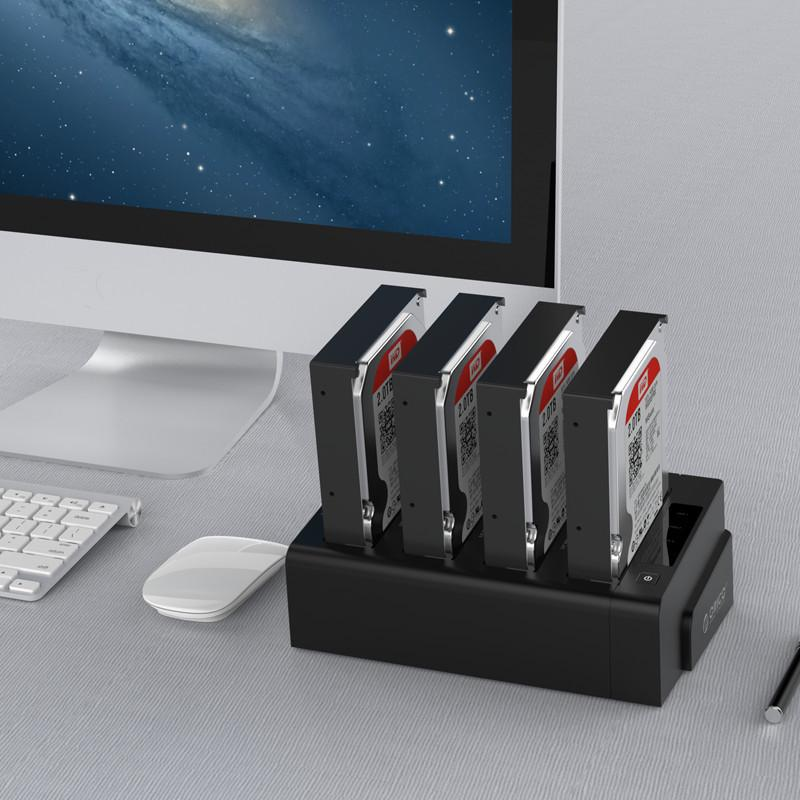
Each bay typically has its own charging circuit. This matters because it means one camera with a battery issue will not affect the others charging next to it. Most docking stations built for body cameras also handle data offload at the same time, pulling footage off the camera and onto a secure server the moment it is docked. This is one of the biggest reasons agencies choose docks over basic chargers. You get charging and evidence transfer in a single step, instead of running two separate processes.
Rack Mounted or Networked Systems
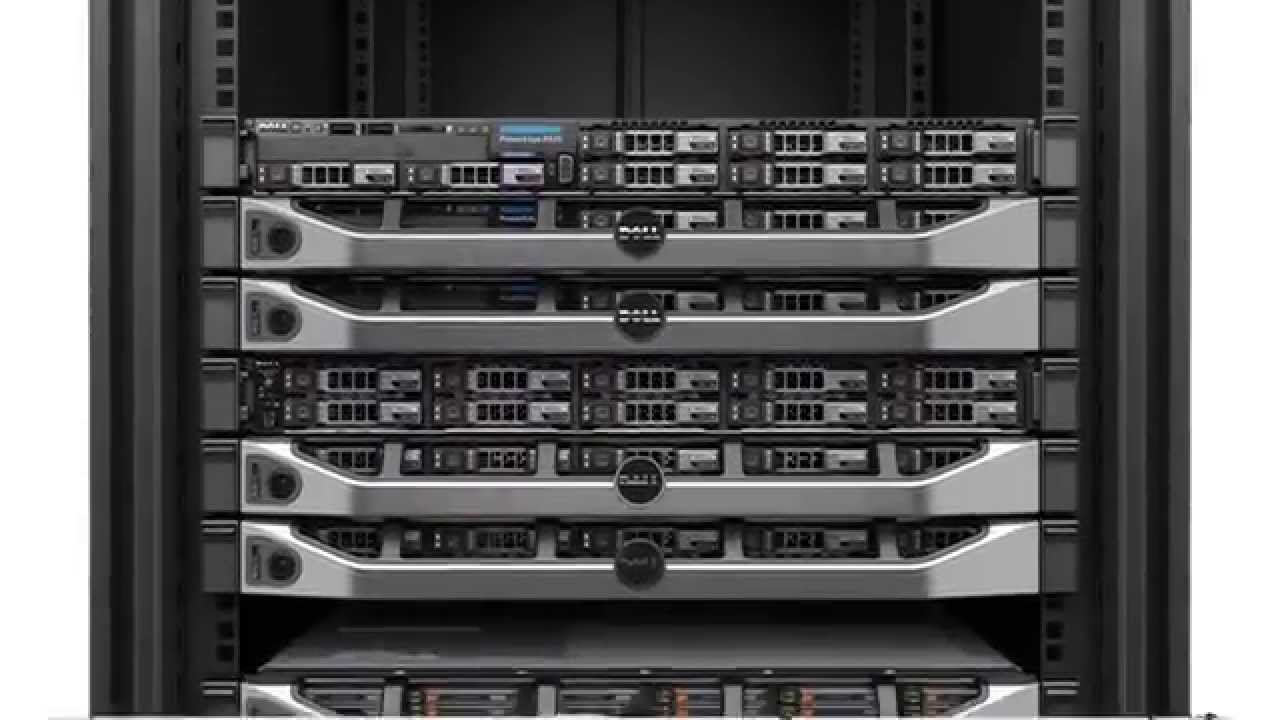
For larger fleets, some docking systems connect to a network switch instead of a single power outlet. Each bay gets its own network address, which allows IT staff to monitor charging status, push firmware updates, and manage uploads from one dashboard. This setup is common in police departments and large security operations where dozens or hundreds of cameras need to be tracked at once.
Portable Multi-Port Chargers
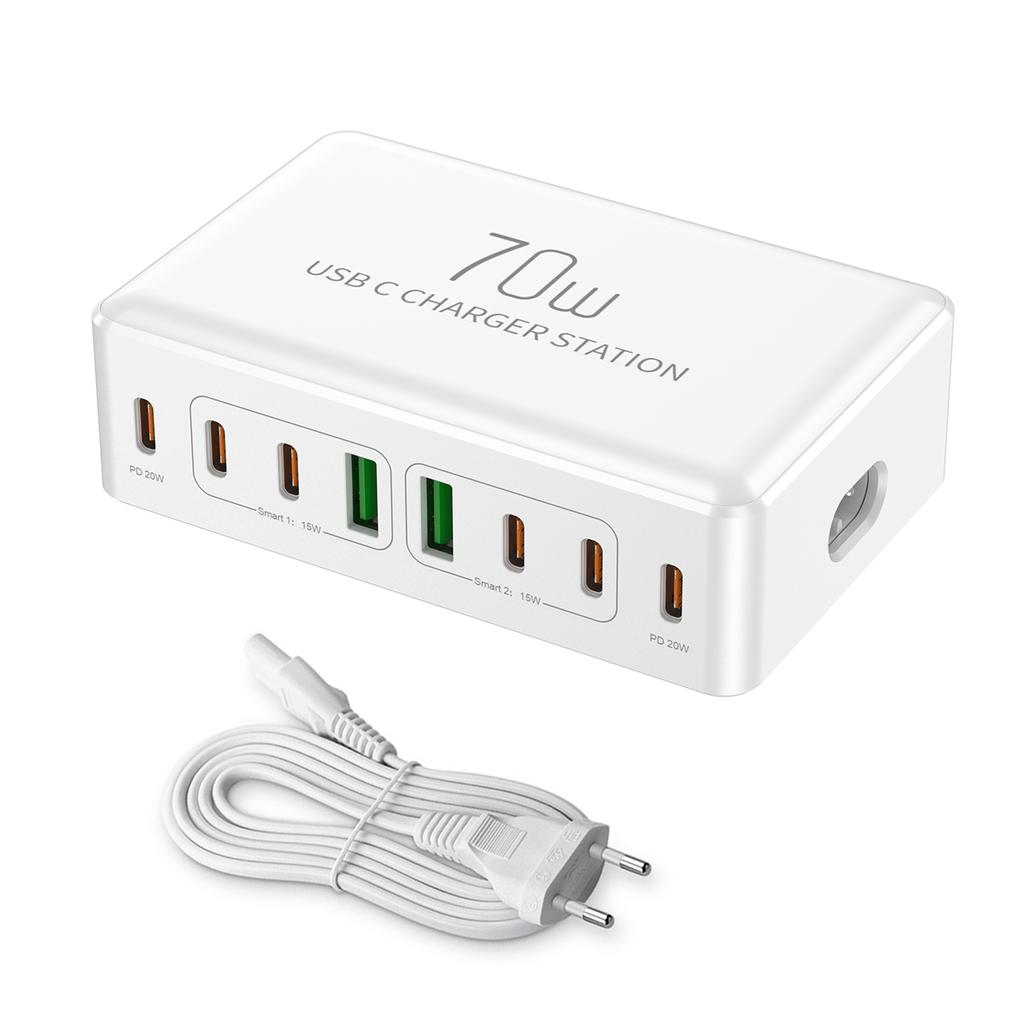
Smaller teams or field crews who do not have access to a fixed docking station sometimes use portable multi-port USB chargers. While comparing port replicator vs docking station, these are more flexible for vehicles or temporary job sites, but they usually lack the data sync features built into a proper docking station. They are a reasonable stopgap, not a long-term fleet solution.
What to Look for in a Multi-Camera Charging Setup
Number of bays. Match the dock size to your shift count, not your total camera inventory. If 12 people work a shift at once, a 12 or 16-bay dock gives you buffer room for damaged or spare units.
Independent charging circuits. Each bay should charge on its own so one faulty battery does not slow down or damage the rest.
Overcharge protection. Cameras left docked overnight or over a weekend need built in protection that stops charging once the battery is full. This protects battery health over hundreds of charge cycles.
Data offload support. A dock that only charges is doing half the job. Look for one that also transfers footage automatically when the camera is inserted, so your team is not manually connecting cables later.
Power and space requirements. Multi-bay docks draw more power than a phone charger. Confirm your charging room or storage closet has the outlets and airflow to support a full dock running at once.
At Grandcam Solutions, our docking stations are built around this exact need, letting teams charge and offload an entire fleet of body cameras from one station instead of juggling individual chargers.
Setting Up a Charging Routine for Your Team
A good charging setup only works if the routine around it is solid. A few habits make a real difference:
- Assign a specific dock slot or number to each camera so missing units are easy to spot.
- Dock cameras at the end of every shift, not just when the battery is low.
- Check the dock daily for cameras that failed to charge properly.
- Keep the charging area clean and free of dust, since charging contacts can wear down over time if not maintained.
- Rotate spare batteries or cameras into the dock so you always have backups ready.
Common Mistakes to Avoid
Charging cameras in a random order without labeling makes it hard to track which units are ready. Leaving cameras unplugged after a shift because “someone else will do it” is one of the most common reasons teams end up with dead cameras at the start of a new shift. Using cheap unbranded chargers not rated for your specific camera model can also damage batteries faster than a purpose-built dock.
Conclusion
Charging multiple body cameras at once comes down to having the right hardware and a routine your team actually follows. A multi-bay docking station solves the charging bottleneck and, in most cases, handles data transfer too, which saves time on both ends of a shift. Whether you are outfitting a small security team or a full department, investing in a proper docking setup pays off in fewer dead cameras and less time spent managing equipment by hand.