



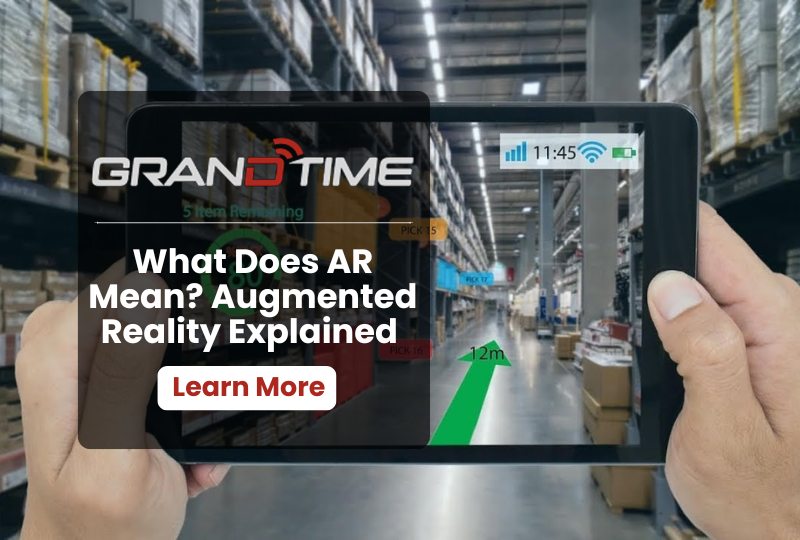
AR stands for augmented reality. It is a technology that adds digital images, sounds, or information on top of the real world you see around you. Instead of pulling you into a fully digital space, AR keeps you grounded in your actual surroundings and simply layers useful digital content over them.
You have probably already used AR without thinking much about it. Filters on Snapchat, the yellow first down line during a football broadcast, and games like Pokémon Go are all everyday examples of augmented reality in action.
Let’s explore what AR means, how it actually works, the different types of AR, how it differs from VR and mixed reality, and where it is being used across industries like retail, healthcare, construction, and public safety.
What is AR (Augmented Reality)
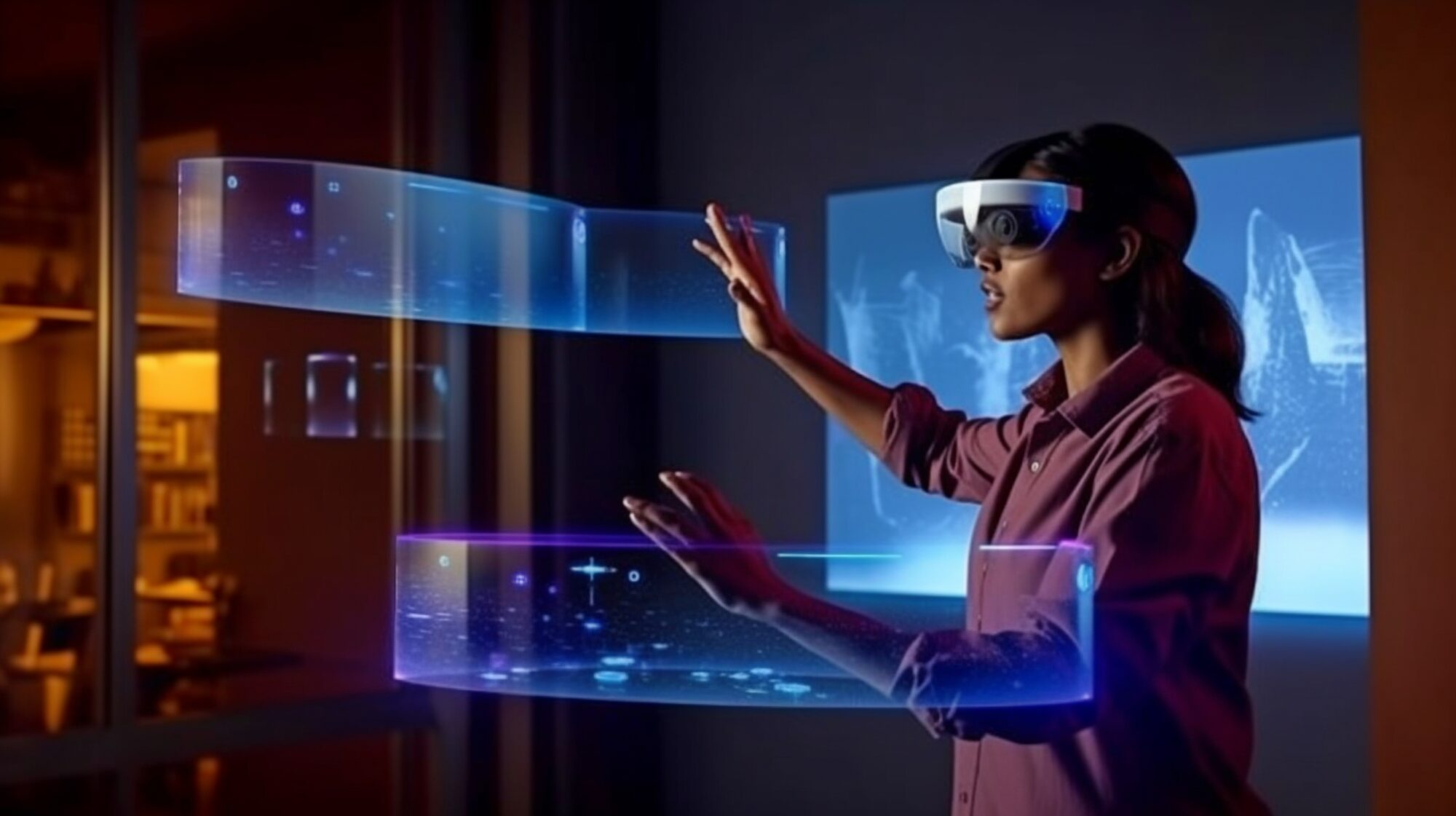
At its core, augmented reality blends digital content with the physical world in real time. A camera or sensor captures your surroundings, software processes that information, and a screen or lens displays digital elements right on top of what you are already looking at.
Think of it as adding a helpful digital layer to real life. Your environment stays exactly as it is. AR just adds extra information, graphics, or interaction on top of it.
The term itself was coined back in 1990 by Thomas Caudell, a researcher at Boeing, who used it to describe head-mounted displays that helped electricians wire aircraft more accurately. Since then, AR has grown far beyond aircraft manufacturing and now touches gaming, retail, education, healthcare, and industrial work.
How Does Augmented Reality Work?
AR relies on three main building blocks working together.
Input. Cameras and sensors capture live data from your surroundings. This can include a smartphone camera, an infrared sensor, a gyroscope, an accelerometer, or GPS, depending on the device.
Processing. Software analyzes that data to understand your environment. It figures out where surfaces are, tracks your movement, and decides where digital content should appear so it looks natural instead of floating randomly.
Display. The final digital layer, whether it is text, an image, a 3D model, or a video, gets shown on your screen or lens, lined up with the real world in front of you.
These three parts work together so quickly that the digital content feels like it genuinely belongs in your physical space, even though none of it is really there.
What are the Types of Augmented Reality
Not all AR works the same way. There are two main approaches.
Marker-based AR uses a specific trigger, like a QR code or a printed image, to launch a digital experience. Point your camera at the marker, and the AR content appears. This method is simpler and cheaper to build, since the software only needs to recognize one known image.
Markerless AR, sometimes called location-based AR, does not need a specific trigger. Instead, it uses GPS, sensors, and object recognition to understand an environment on the fly. This is what allows AR navigation apps or AR games to place digital objects almost anywhere, without needing a printed marker first.
AR vs VR vs Mixed Reality: What Is the Difference?
These three terms get mixed up often, so here is a quick breakdown.
Augmented reality (AR) adds digital content to the real world. You still see and interact with your actual surroundings, just with extra digital layers on top.
Virtual reality (VR) replaces your surroundings entirely. Using a headset, you are placed inside a fully simulated environment and cut off from the physical world around you.
Mixed reality (MR) sits between the two. It anchors digital objects to the real world so convincingly that you can interact with them almost like physical objects, often using more advanced sensors than typical AR apps.
A simple way to remember it: AR adds to reality, VR replaces reality, and MR blends the two so closely that the line between digital and physical starts to disappear.
Everyday Examples of AR
AR is already part of daily life for many people, even if they do not think of it as “augmented reality.” A few familiar examples include:
- Instagram and Snapchat filters that add effects to your face in real time
- IKEA-style shopping apps that let you preview furniture in your own room before buying
- Google Maps Live View, which overlays walking directions onto your phone camera view
- Mobile games like Pokémon Go, which place virtual characters into real locations
- The yellow first down line seen during American football broadcasts
These consumer examples are a good starting point, but AR’s biggest growth right now is happening in professional and industrial settings.
AR Devices: Smartphones, Headsets, and Smart Glasses
AR can run on several types of hardware, and the right device usually depends on the use case.
Smartphones and tablets are the most common AR devices today, since almost everyone already carries one. Most shopping apps, games, and navigation tools use your phone’s existing camera and screen.
AR headsets, like Microsoft HoloLens, are built for more advanced enterprise use, such as design visualization or remote technical support, where hands free interaction matters.
Smart glasses are quickly becoming the most practical option for fieldwork, since they let a person see digital overlays while keeping both hands completely free. This is especially valuable for roles where workers already need to carry tools, radios, or safety equipment. Companies like Grandcam Solutions build rugged AR and AI-powered smart glasses designed specifically for this kind of hands free, real-time use in demanding field environments.
How AR Is Used Across Industries
AR has moved well past gaming and entertainment. Here is how different industries are putting it to work.
- Retail. Shoppers use AR apps to preview furniture, makeup, or clothing before making a purchase, which helps reduce returns and boosts buyer confidence.
- Manufacturing. Technicians use AR overlays to see step-by-step repair instructions directly on the equipment they are working on, cutting down on training time and errors.
- Construction. Teams use AR to overlay digital blueprints onto a physical job site, helping catch design conflicts early and keeping projects on schedule. Industry research has linked AR-guided workflows to fewer errors and faster task completion on complex sites.
- Healthcare. Surgeons and medical students use AR to visualize anatomy in 3D, which supports more precise procedures and better training outcomes.
- Law enforcement and public safety. Officers use AR-enabled smart glasses for real-time situational awareness, including navigation overlays, thermal vision in low light conditions, and hands-free access to critical information during an active response.
- Logistics and warehousing. Workers use AR to see picking routes and inventory data directly in their field of view, speeding up order fulfillment and reducing mistakes.
- Energy and utilities. Field crews use AR to access equipment schematics and safety data while inspecting infrastructure, which is especially useful in remote or hazardous locations.
Benefits of Augmented Reality
Across these industries, a few consistent benefits keep showing up.
- Hands-free access to information. Workers can see instructions or data without stopping to check a phone or a paper manual.
- Fewer errors. Real-time overlays help people catch mistakes before they happen, rather than after.
- Faster training. New employees can learn by seeing guided instructions layered directly onto real equipment or environments.
- Improved safety. In hazardous settings like construction sites or emergency response, AR can supply critical information exactly when and where it is needed most.
Frequently Asked Questions About AR
What does AR stand for?
AR stands for augmented reality, a technology that overlays digital content onto the real world in real time.
Is AR the same as VR?
No. AR adds digital content to your real surroundings, while VR replaces your surroundings with a fully simulated environment.
What devices support AR?
Smartphones, tablets, AR headsets, and smart glasses can all support AR experiences, depending on the level of immersion needed.
Is AR only used for games and apps?
No. While AR started in gaming and entertainment, it is now widely used in construction, healthcare, manufacturing, logistics, energy, and law enforcement.
What is the difference between marker-based and markerless AR?
Marker-based AR needs a specific trigger, like a QR code, to activate. Markerless AR uses sensors and GPS to place digital content in an environment without needing a printed marker.
To Conclude:
Augmented reality is no longer a novelty confined to filters and mobile games. It has become a practical, hands free tool used to train workers faster, reduce errors, and improve safety across industries like construction, energy, logistics, and public safety. As AR hardware like smart glasses becomes lighter and more affordable, expect it to keep moving from a nice to have fe